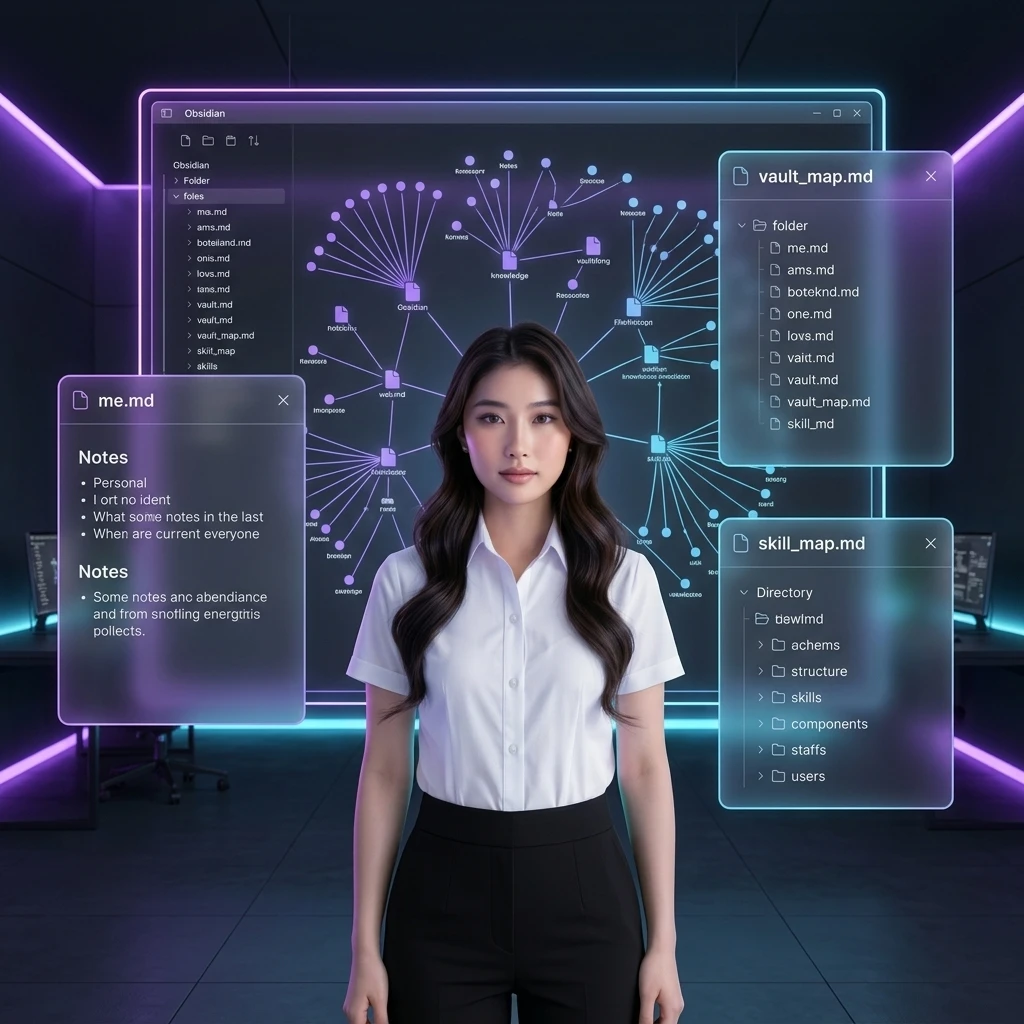
6 Autonomous Agent Systems for Running an Obsidian Knowledge Base
Learn how to set up 6 autonomous AI Agent systems — Daily Trident, Sherpa, Rock Tumbler, Chronicler, Janitor, and Courier — to run an Obsidian Second Brain.

6 Autonomous Agent Systems for Running an Obsidian Knowledge Base
TL;DR: Combining Obsidian with large language models (LLMs) doesn't have to stop at static information storage. By setting up 6 autonomous AI Agent systems (Sherpa, Daily Trident, Rock Tumbler, Chronicler, Janitor, and Courier), you breathe life into your knowledge base, turning Obsidian into a genuinely intelligent second brain that operates itself and collaborates with you every day.
Building a "Second Brain" with Obsidian is great, but if you still have to manually categorize, clean up, and link your notes, and manually search for information every time you write, that note-taking system is still a manual tool eating up your time.
Once you've set up an intermediate Translation Layer for your Vault, you've created the perfect foundation for autonomous AI Agents to run in the background and serve you. Below is a detailed guide to setting up and operating the 6 core autonomous AI Agent systems I use to turn Obsidian into an automated knowledge operating system (AIOS).
6 autonomous AI Agent systems in an Obsidian Vault
              ┌────────────────────────────────────────────────────────┐
              │                   OBSIDIAN VAULT (AIOS)                │
              └───────────────────────────┬────────────────────────────┘
                                          │
       ┌───────────────────┬──────────────┼──────────────┬───────────────────┐
       ▼                   ▼              ▼              ▼                   ▼
┌──────────────┐   ┌──────────────┐   ┌──────────────┐   ┌──────────────┐   ┌──────────────┐
│Daily Trident │   │    Sherpa    │   │ Rock Tumbler │   │  Chronicler  │   │   Janitor    │
│ (Schedule)   │   │  (Learning)  │   │  (Critique)  │   │  (History)   │   │  (Cleanup)   │
└──────────────┘   └──────────────┘   └──────────────┘   └──────────────┘   └──────────────┘
Direct answer: The Obsidian knowledge operating system is run by 6 agent systems with distinct jobs: Daily Trident (schedule management & daily summary), Sherpa (learning companion & roadmap setup), Rock Tumbler (critique to sharpen ideas), Chronicler (recording and archiving sessions), Janitor (system cleanup & broken-link scanning), and Courier (secure packaging and content sharing).
1. The Schedule Management System (Daily Trident)
- Goal: help you start each new day full of energy and in control of your tasks, without being flooded with information.
- How it works: the Agent runs automatically at 6:00am every day. It reads data from your calendar file, email, task list, and the previous day's activity log to produce a concise daily summary (Daily Brief), displayed directly on your Obsidian home page. At the end of the day, the Agent automatically runs a logging skill (Daily Log) to record completed tasks as input data for the next day.
2. The Learning Companion System (Sherpa)
- Goal: help you quickly master a new, complex research topic in the shortest possible time.
- How it works: when you enter a keyword or a new raw document, the Agent automatically drafts a Concept Map, analyzes the intersections between this new material and the existing Knowledge Graph in your Obsidian Vault, and proposes an optimal reading/research path.
3. The Critical Thinking System (Rock Tumbler)
- Goal: sharpen your ideas and writing without losing your own voice (Quiet Authority).
- How it works: instead of writing for you or passively editing your text, the Agent plays the role of a professional critic. It continuously asks tough, open-ended questions based on the IDIs framework (Imagine, Discern, Integrate) to force you to think more deeply and refine your own argument by hand.
4. The History Recording System (Chronicler)
- Goal: package and preserve high-quality AI work sessions or important team discussions as permanent intellectual assets.
- How it works: with just a short command — "Save this session" — the Agent automatically exports the full conversation transcript directly into the
/wiki/history/folder, automatically tags it for classification, creates bidirectional links, and registers the new file in theindex.mdindex.
5. The System Janitor System (Janitor)
- Goal: maintain, clean, and keep the data structure consistently tidy.
- How it works: the Agent runs weekly to scan every note in the
/wiki/folder, detecting broken links, orphan notes (standalone notes with no incoming links), and finding contradictions between old and new notes to propose a merge or update to the latest version of the knowledge.
6. The Courier System (Courier)
- Goal: package and share knowledge notes externally as safely as possible.
- How it works: when you want to send a research document from the Vault to a partner or team, the Agent automatically reviews the entire file, filters out sensitive personal information, automatically compiles content from accompanying backlinks, and publishes a complete, ready-to-send packaged file.
How to activate and run the Agents via community plugins
Direct answer: To run these 6 Agent systems smoothly directly inside Obsidian, you need to install and configure 4 core community plugins: Templater (standardize metadata), Dataview (query the knowledge database), Linter (clean up note formatting), and Smart Connections (connect an LLM directly inside the Vault).
Step 1: Set up Smart Connections
This plugin lets you chat directly with an AI Agent right inside the Obsidian interface.
- Go to Settings → Community Plugins → search for and install Smart Connections.
- Add your LLM API key (e.g., an Anthropic API key) and enable local embeddings so the AI can automatically read and understand the entire Vault.
Step 2: Automate ingestion with Templater
- Install the Templater plugin.
- Create a template for new notes (containing standard frontmatter fields like
date,tags,status,id). - Configure Templater to automatically apply this template whenever a new note is created in the
/raw/01_Inbox/folder.
Step 3: Build a summary dashboard with Dataview
- Install the Dataview plugin.
- Create a home dashboard page showing a task list, unfinished DNA-matching notes, or a list of notes the Janitor needs to clean up, using simple Dataview JS queries.
Conclusion & practical roadmap
Setting up autonomous Agents turns your Obsidian from a plain notebook into an active knowledge collaborator. This knowledge system runs itself, cleans itself, and provides real leverage for your business and research work.
Start setting it up one step at a time. First, make sure you've properly configured the Translation Layer in the /aios/ folder by reading Setting Up a Translation Layer for Obsidian to Avoid Context Overflow. If you want to fully automate your YouTube research process and pipe summaries straight into Obsidian, read on to Building an Automated AI Research System with NotebookLM and Obsidian.
☕ Get the Full Source Code & SOP Kit: Want the pre-packaged 15 master files, 3D architecture sketchnote diagrams, and Agent-to-Agent Bootstrap Kit? Check out the Obsidian Master AI Second Brain & LLM Wiki Engine (available for just a 45,000đ coffee support).
#toilatung #obsidian #secondbrain #aiagents #aios #automation
Nhận Bộ Thư Viện Prompt & SOP AI Workflow Vận Hành Doanh Nghiệp 2026
Tặng miễn phí Ebook PDF + Notion Template quản lý AI System thực chiến từ Tôi Là Tùng. Gửi trực tiếp vào hòm thư công việc của bạn.
Khám Phá Kho Workflow & SOP AI Thực Chiến
Thư viện quy trình, SOP vận hành và công cụ AI tôi đang dùng thật cho hệ thống của mình — chọn đúng thứ bạn cần.