Try the LexiKeyFlow macOS Voice Input App
Just Launched ✨A smart voice-typing app (Hold-to-Talk) powered by local Whisper & Gemini AI.
AI Prompt
Library 2026
A Master Prompt vault optimized for 2026 flagship AI models: Claude 4.6, Gemini 3.5/3.6, Nano Banana 2 & Veo 3.1.
Apply the Director Mindset to command AI like a real team member.
Real Case Study Results
Real renders produced directly from the library's featured prompts, with expert breakdowns of the prompt structure.
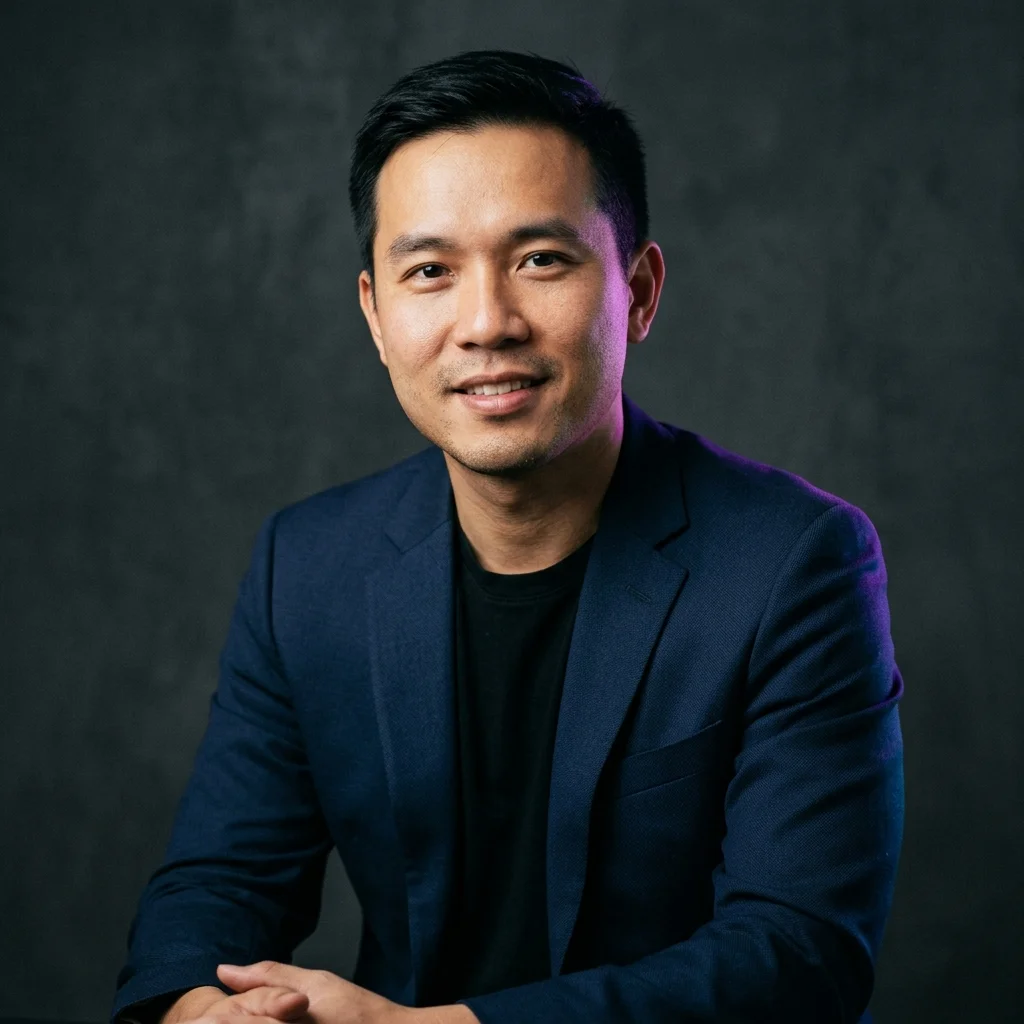
Corporate Brand Portrait
"Candid studio portrait of a young Vietnamese tech entrepreneur in his 30s with short black hair..."
Director's Analysis: Specifying an 85mm lens combined with multi-directional studio lighting keeps the portrait natural, eliminating the AI's typical waxy/plastic look.
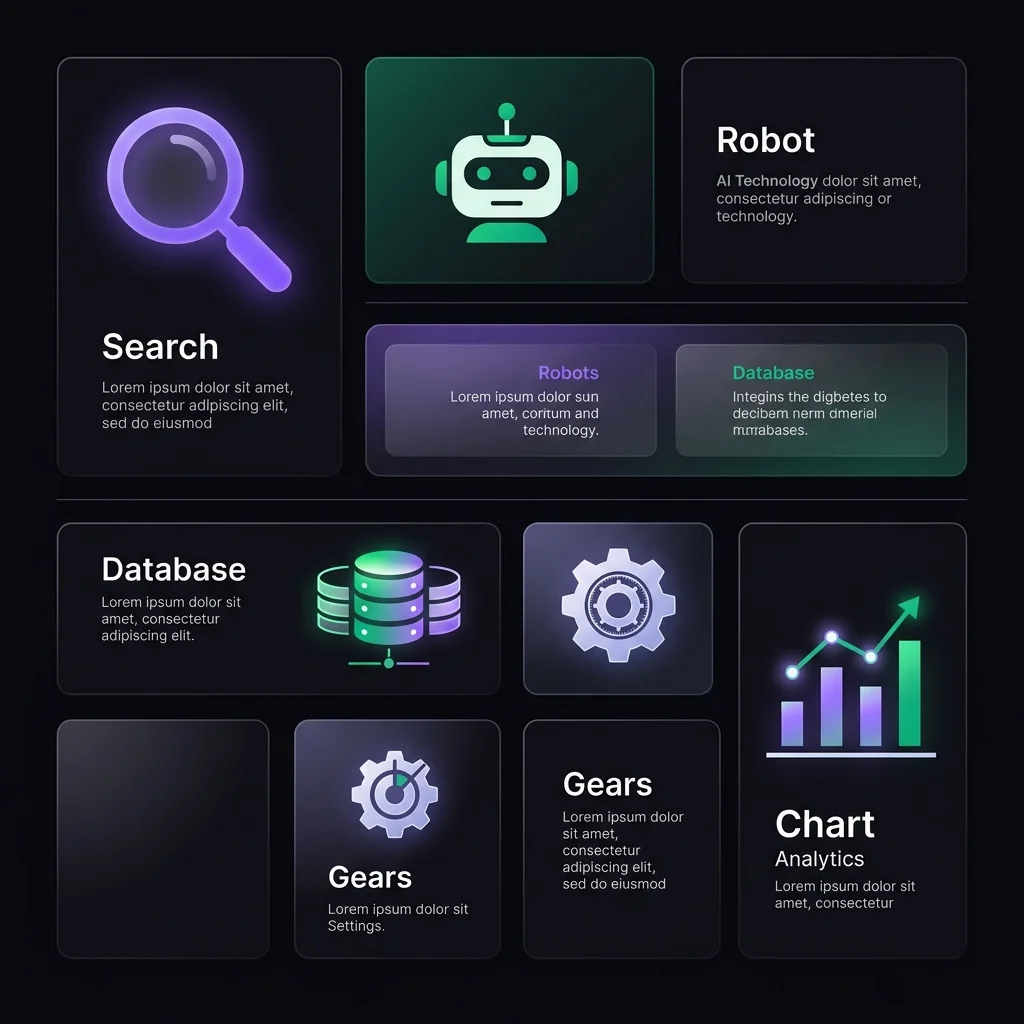
Bento Grid UI Infographic
"Clean, modern Bento Grid style infographic layout. The design features multiple rectangular and square panels..."
Director's Analysis: Locking down specific hex colors and explicitly describing "whitespace" helps the AI produce a flat, clean grid layout without structural distortion.
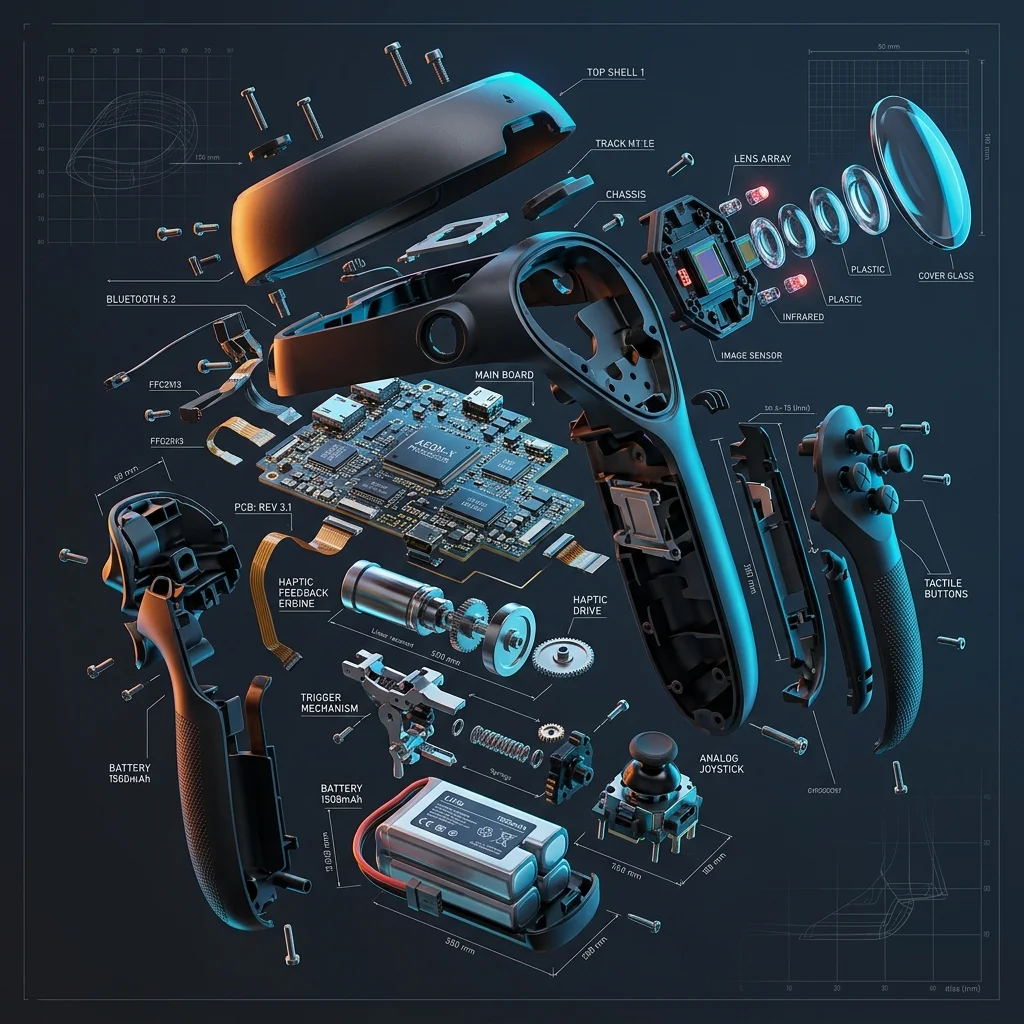
Technical Exploded-View Poster
"Highly detailed exploded-view technical illustration of a futuristic VR controller or smartwatch, floating mechanical parts..."
Director's Analysis: The terms "exploded-view" and "suspended in mid-air" are the key to shaping the disassembled component structure, creating a floating 3D depth effect.
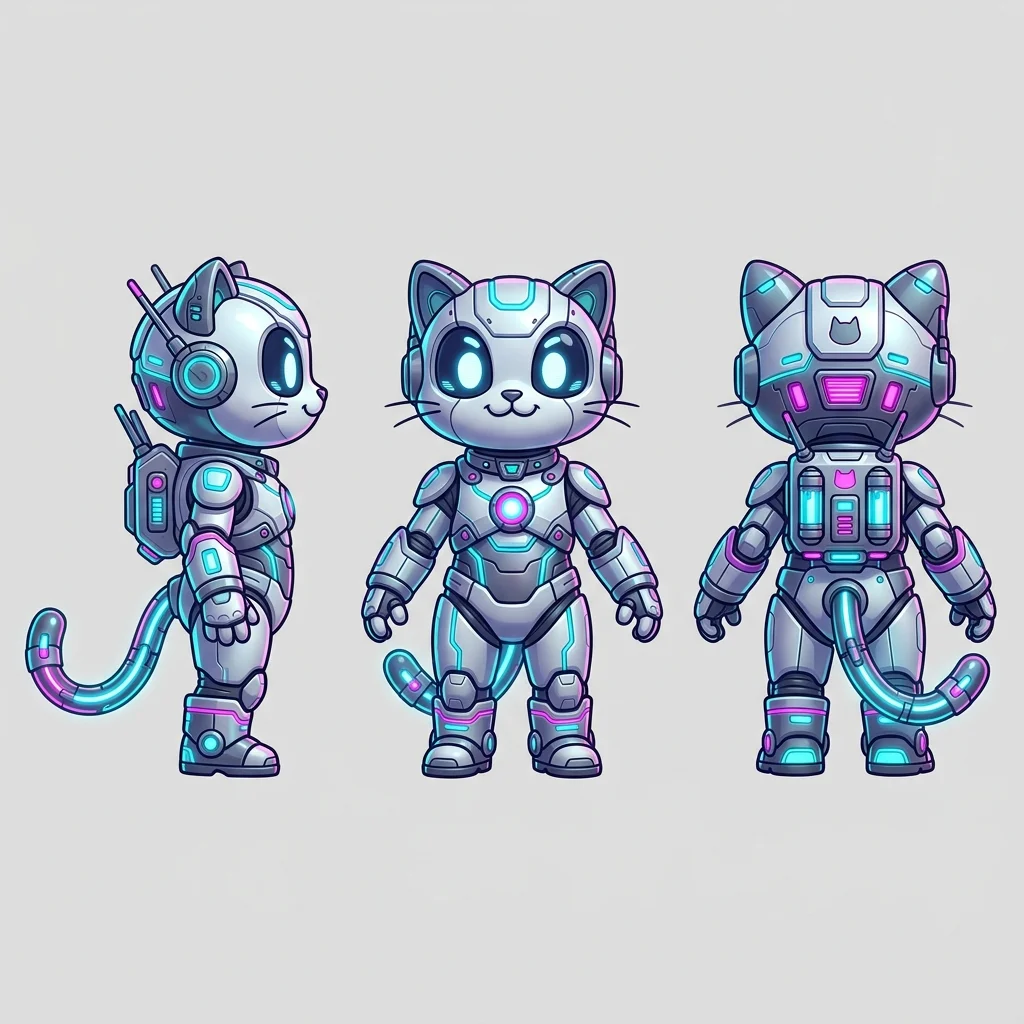
Mascot Character Turnaround
"Character turnaround sheet of a cute futuristic cybernetic cat mascot, displaying multiple views..."
Director's Analysis: Precisely describing the viewing angles (front, profile, back) and the background hex color helps the AI generate an accurate layout for character design.
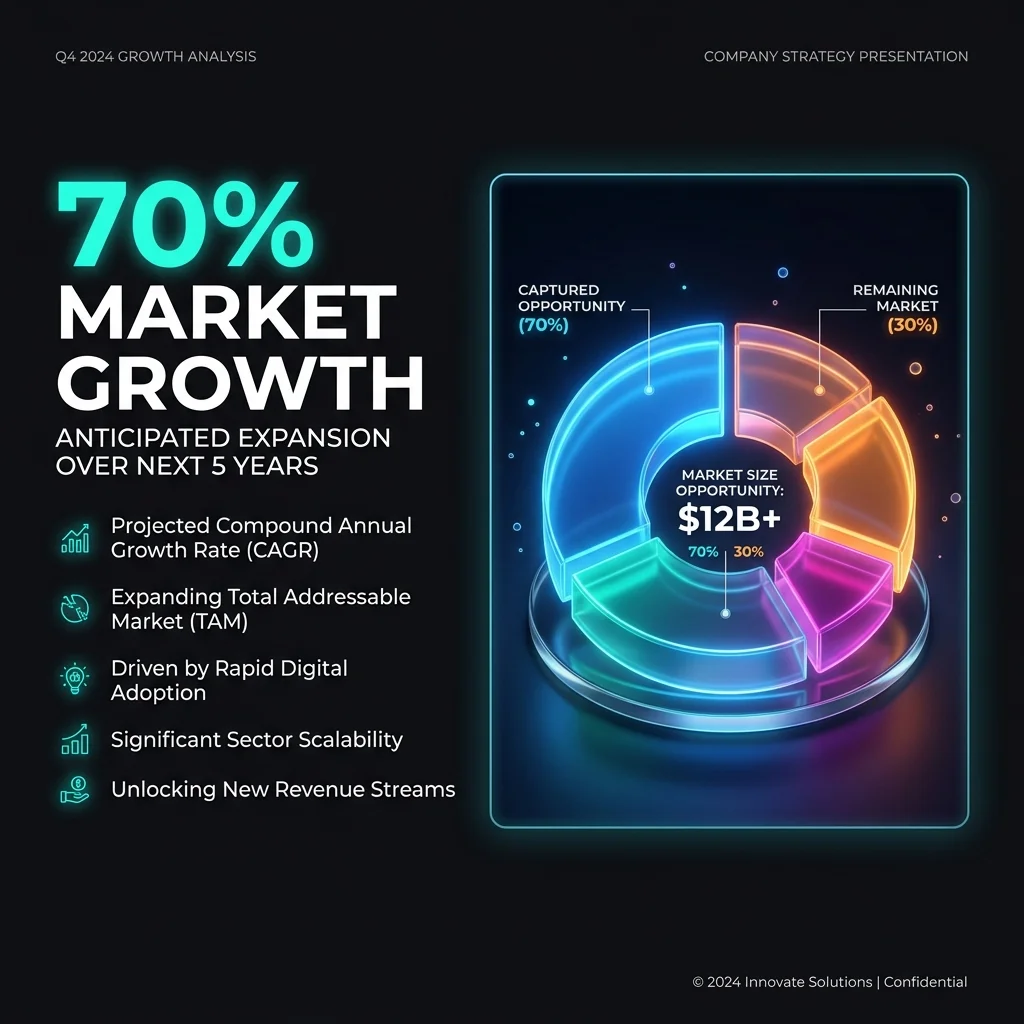
Presentation Slide Design
"Clean presentation slide design showcasing Market Size Opportunity, 16:9 ratio. Left side displays a large bold..."
Director's Analysis: Specifying the 16:9 ratio and a split layout (text left, chart right) helps the AI arrange information in a balanced, presentation-ready slide format.
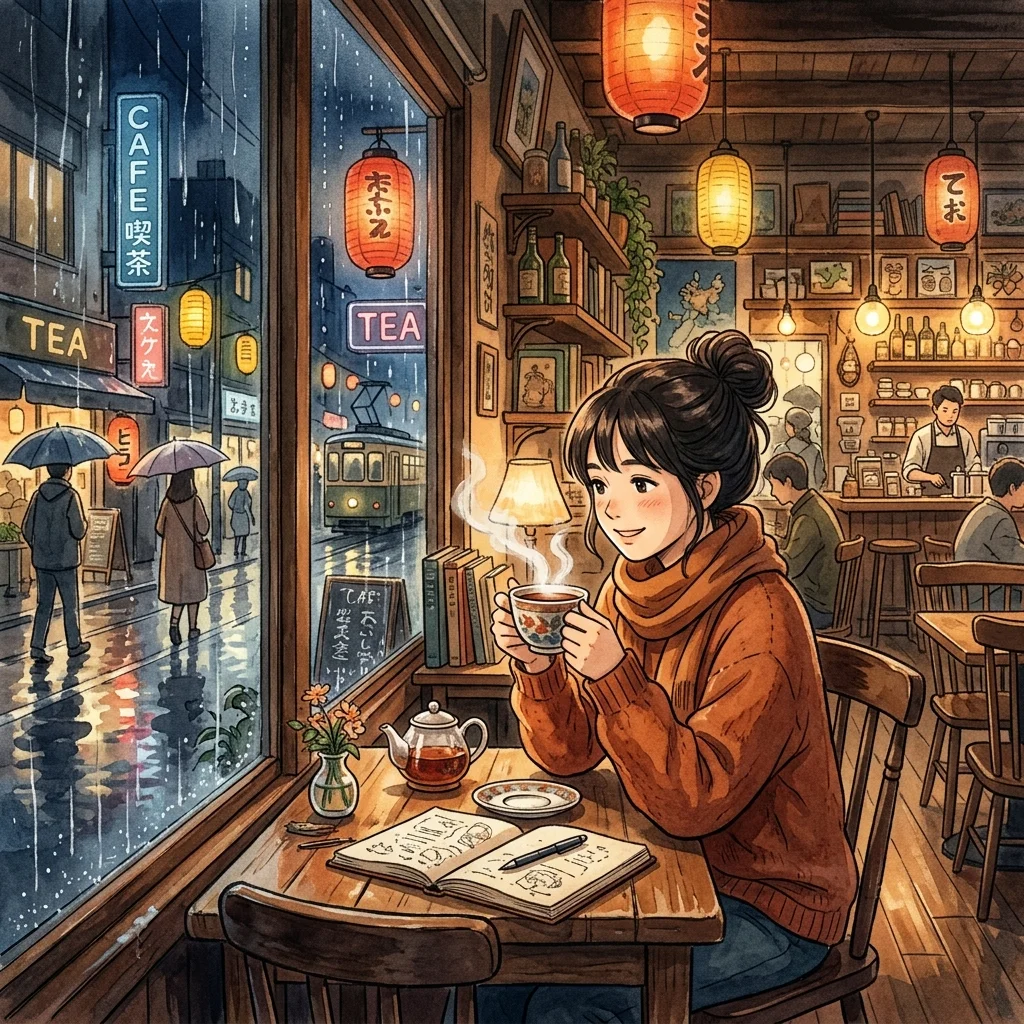
Studio Ghibli Anime Keyframe
"Cinematic anime keyframe styled in Studio Ghibli aesthetic. A cozy cafe by a rain-slicked street at night..."
Director's Analysis: Specifying the "hand-painted watercolor background" texture and describing the lighting interaction (glowing lanterns) helps recreate Ghibli's nostalgic soul accurately.
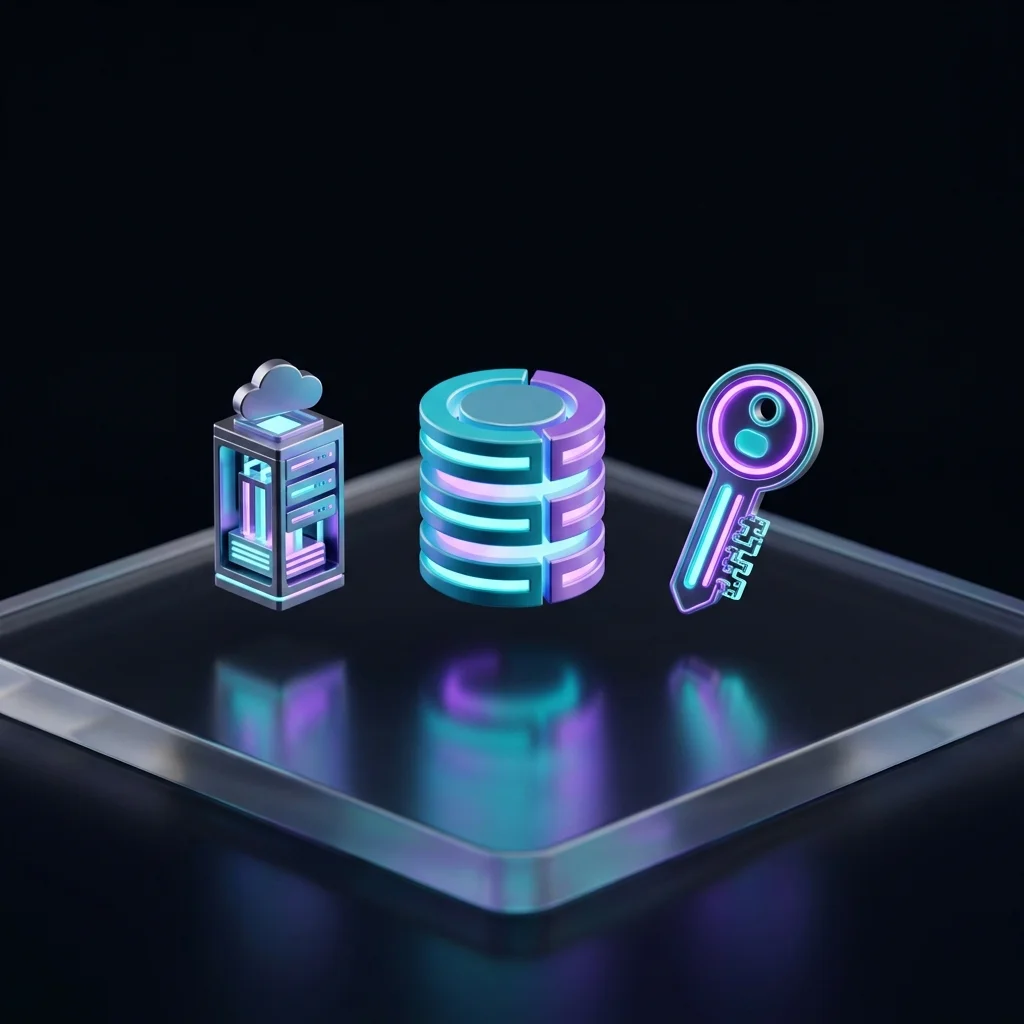
3D Tech Icon Design
"A premium 3D render of futuristic technology icons (a database cylinder, a cloud server tower..."
Director's Analysis: Describing the "reflective glassmorphic surface" material combined with a "floating in mid-air" setting and depth of field helps the AI separate the objects, creating a vivid 3D floating effect.

Cinematic Space Scene
"A cinematic, wide-angle film frame of a lone astronaut walking towards a massive, glowing..."
Director's Analysis: Using the composition keyword "wide-angle film frame" along with cinematic effects like "backlighting" and "volumetric light rays" creates an epic sense of scale, ideal for video scripts or concept art.
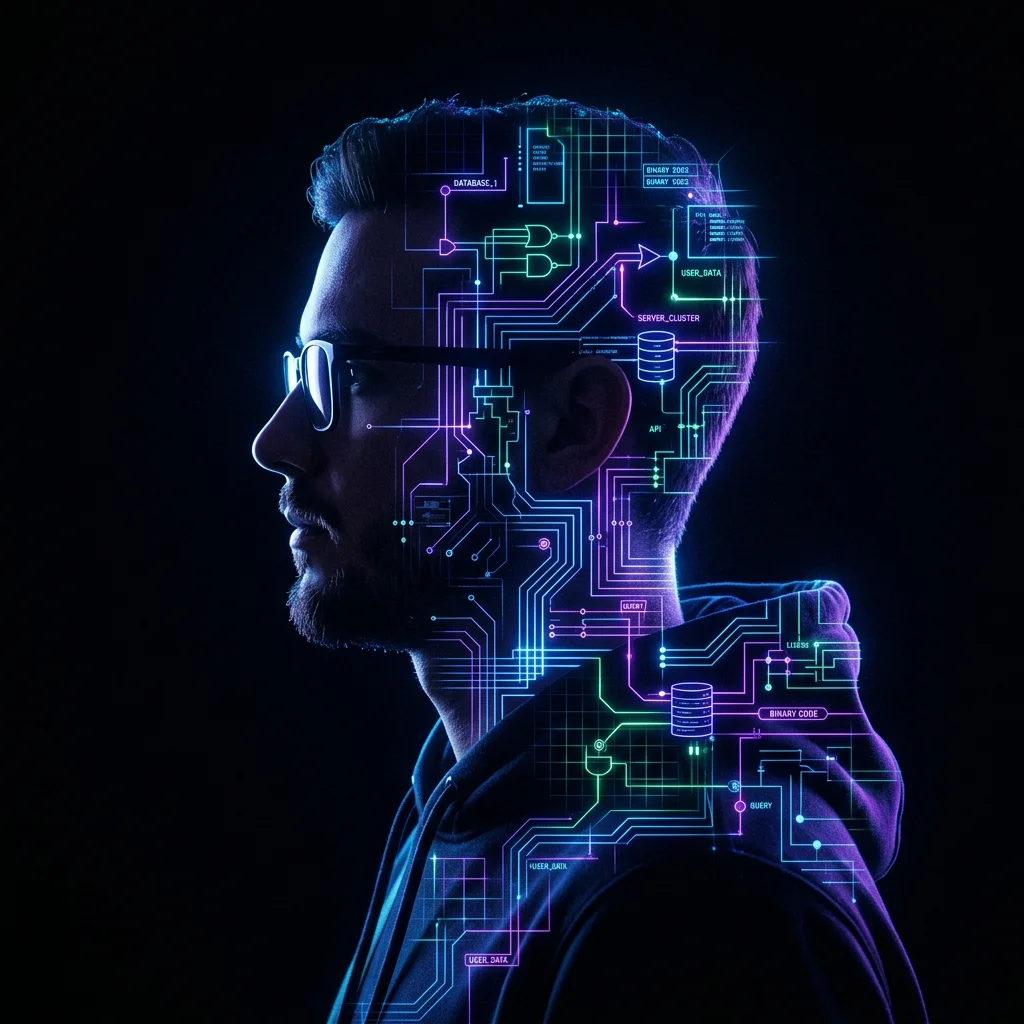
Surreal Digital Portrait
"A surreal double exposure silhouette portrait of a software engineer, merged with a complex..."
Director's Analysis: The "double exposure silhouette" effect is an advanced technique that helps the AI artistically blend two image layers (person and circuitry), avoiding an unnatural, overlapping look.
Writing Prompts With the Director Mindset
How to turn an AI tool into an actual team member instead of an auto-reply machine.
1. Give clear context
Don't just issue commands. Tell the AI who it is, what problem it's solving, and who it's serving — like briefing a new hire.
2. Break it into chunks
Complex tasks should be split up. Instead of asking for an entire film in one sentence, go from Idea → Script → Storyboard → Render.
3. Feedback loop
If the output isn't right, don't discard it right away. Use inpainting/inline edits or a follow-up prompt to fix the exact error.
Frequently Asked Questions About AI Prompts
Answers to common questions and practical knowledge for mastering large language model (LLM) tools.
Q:What is a field-tested AI prompt, and why use one?
A field-tested AI prompt is an optimally structured instruction (covering Role, Context, Constraints, and Output Format) that has been tried and proven effective in real projects. Using field-tested prompts gives you full control over AI output quality (ChatGPT, Claude 3.5, Midjourney, Veo 3.1), eliminates generic, hollow results, and saves up to 80% of manual editing time.
In the Tôi Là Tùng Prompt Library, instructions are designed with a deep, layered structure (6-Layer / Enterprise Framework) that helps AI deeply understand business logic — a great fit for SMEs, agencies, and freelancers who want to automate operations and marketing.
Q:How do I apply the Director Mindset to prompt writing?
Applying the Director Mindset means approaching AI as a manager/director briefing a professional team member, rather than asking spontaneous questions. This process requires: (1) assigning the AI a specific expert persona, (2) breaking large tasks into smaller chunks, and (3) setting up a continuous feedback loop to refine the result to the highest level of polish.
This approach helps you optimize your workflow when combining multiple AI tools: from scripting ideas with Claude, to designing characters with Midjourney, to producing animated video with Kling AI or Veo 3.1.
Q:What is the Master Prompt vault, and how do I unlock it?
The Master Prompt vault is a collection of specialized advanced prompts for consistent character imagery and production-level AI video. You can unlock this vault completely free by clicking the "Unlock" button on any prompt card and leaving your contact info (Email/Zalo) so the system can activate lifetime access and send you a bonus PDF.
These Master Prompts include smooth camera-motion descriptions, volumetric lighting structures, and complex cinematic technical parameters designed to minimize the morphing/motion errors common in AI video.